Capture full-page screenshots. Clean. Fast. Share-ready.
A focused Chrome extension for grabbing long pages without clutter, keeping your workflow quick from capture to export.
- No account required
- Local-first processing
- Fast export
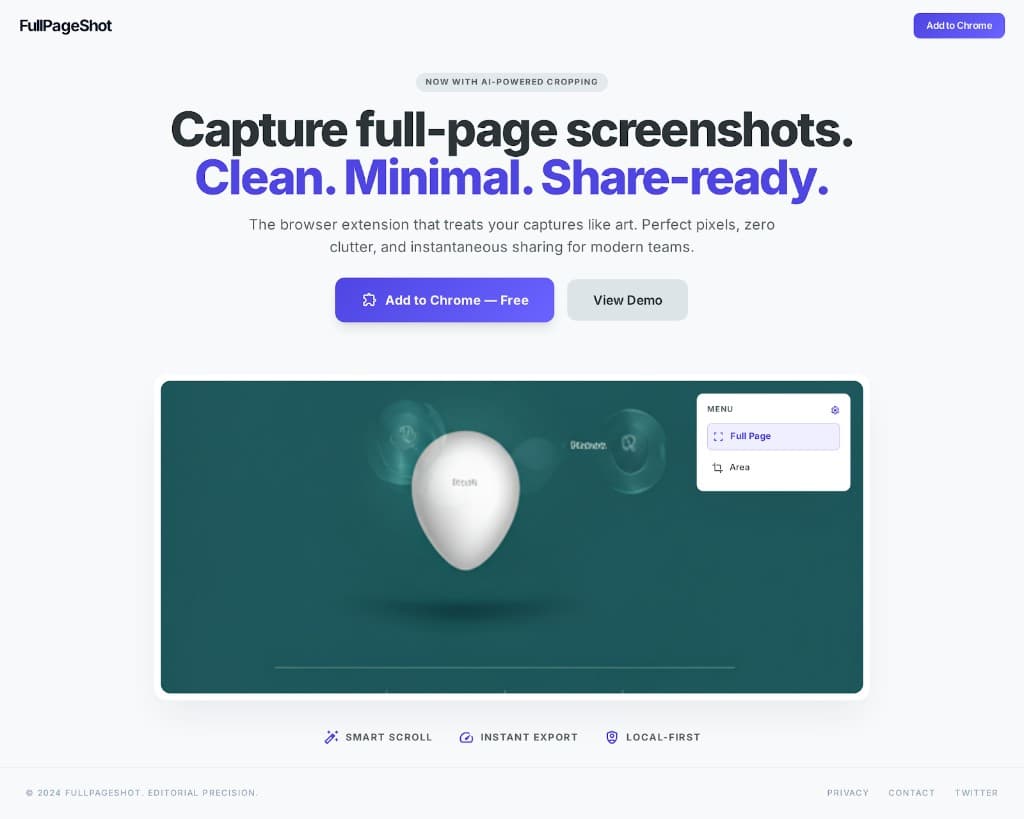
- Smart scroll
- Instant export
- Private by design
Built for clear, efficient screenshot work
FullPageShot Pro keeps the workflow lightweight so capturing and sharing long pages feels quick and predictable.
Smart scroll capture
Automatically scrolls and stitches every section of the page into one seamless, high-quality full-page screenshot.
Clean post-capture workflow
Crop, refine, and prepare screenshots for sharing without slowing down your flow.
Instant export
Export crisp screenshots right away for docs, bug reports, design reviews, or sharing.
Local-first privacy
Your screenshot workflow stays on your machine. No forced uploads or account setup.
Built for Chromium browsers
Works across Chrome and other Chromium-based browsers for a familiar install experience.
Simple by default
A focused interface keeps capture fast and predictable when you need results quickly.
Frequently asked questions
Is FullPageShot Pro free to use?
Yes. FullPageShot Pro is presented as a free browser extension with no account required to get started.
Which browsers are supported?
FullPageShot Pro is built for Chrome and other Chromium-based browsers such as Edge, Brave, and Opera.
Does FullPageShot Pro upload my screenshots?
The website and privacy policy describe FullPageShot Pro as a local-first tool designed to keep screenshot processing on your device.
What can I use it for?
It is useful for bug reports, visual QA, product demos, documentation, and saving full-page references.
Can it handle long pages?
Yes. The core experience is centered on full-page capture, which is intended for long and scroll-heavy pages.
How do I contact support?
You can reach the FullPageShot Pro team directly by email for support, feedback, or feature requests.
Ready to capture better screenshots?
Install FullPageShot Pro and keep full-page capture simple, fast, and shareable.